Custom Complication Builder
Before you ever open GlucoGlance, your numbers are already visible across Android’s most-glanced surfaces.
Glucose, trend, and bolus suggestion and the loved one you follow. All on the lock screen. One tap reveals the expanded Now Bar with full IOB detail.
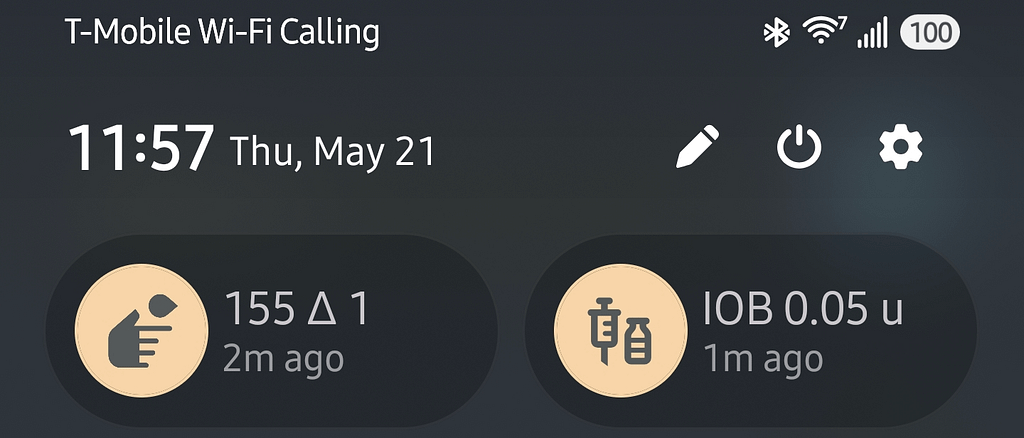
Pull down your notification shade and your glucose data is already there — no app to open, no widget to tap. Live glucose and IOB sit right in your Quick Settings panel, always one swipe away.
A notification fires automatically when Excess Carbs or Excess Insulin is detected — based on your live glucose, IOB, and insulin settings.
Diabetes Metrics and Time In Range tiles deliver glucose, TIR, and IOB instantly — no app to open.
⌚ 100% GDC Watch Face Integration
GlucoGlance is built for complete vertical integration with GDC Watch Faces — not bolted on as an afterthought. Every complication slot, every data state, every ring is purpose-built to work together.
Build up to 7 custom data states — Delta, Elapsed Time, IOB, COB, and Last Bolus — cycling with a single tap. Map exactly what populates every ring, text line, and status icon on your dial. See changes instantly before pushing to your wrist.
Monitor a family member’s glucose directly inside GlucoGlance — their photo, reading, trend, and Time in Range alongside yours.
When data goes stale, GlucoGlance doesn’t silently show old numbers. The value is struck through and the timestamp turns red — so you always know if you’re looking at live data.